
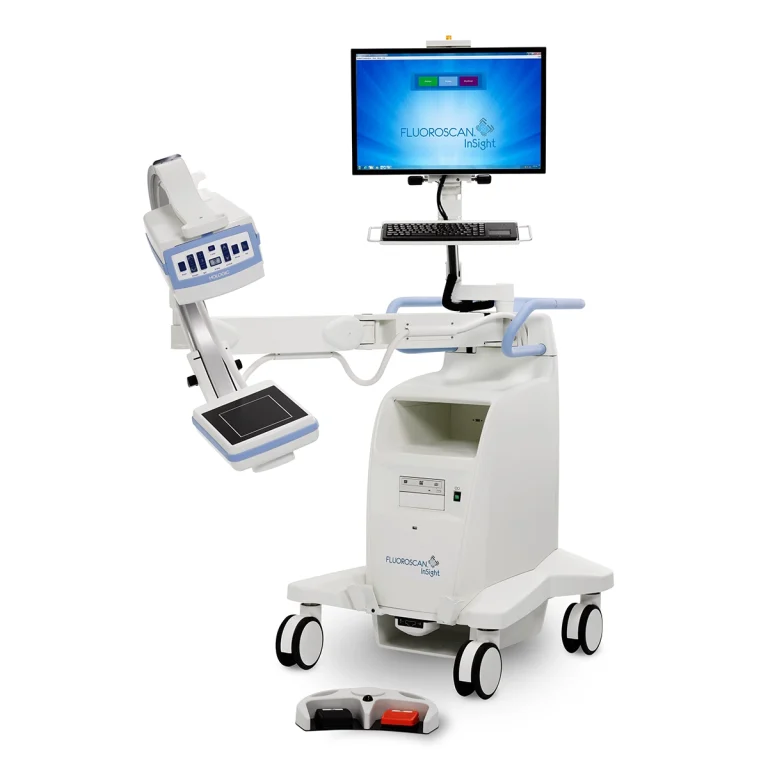
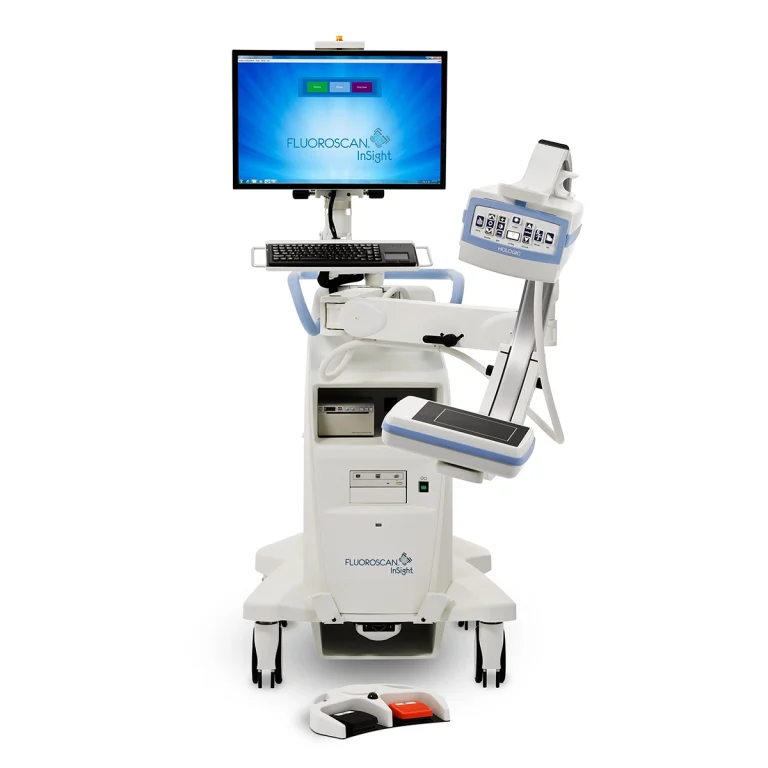
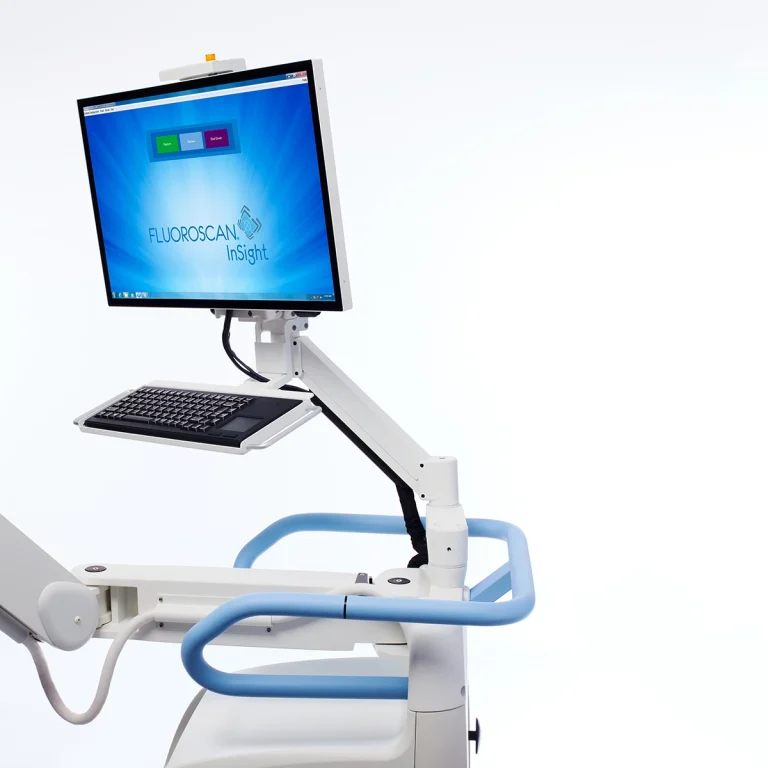
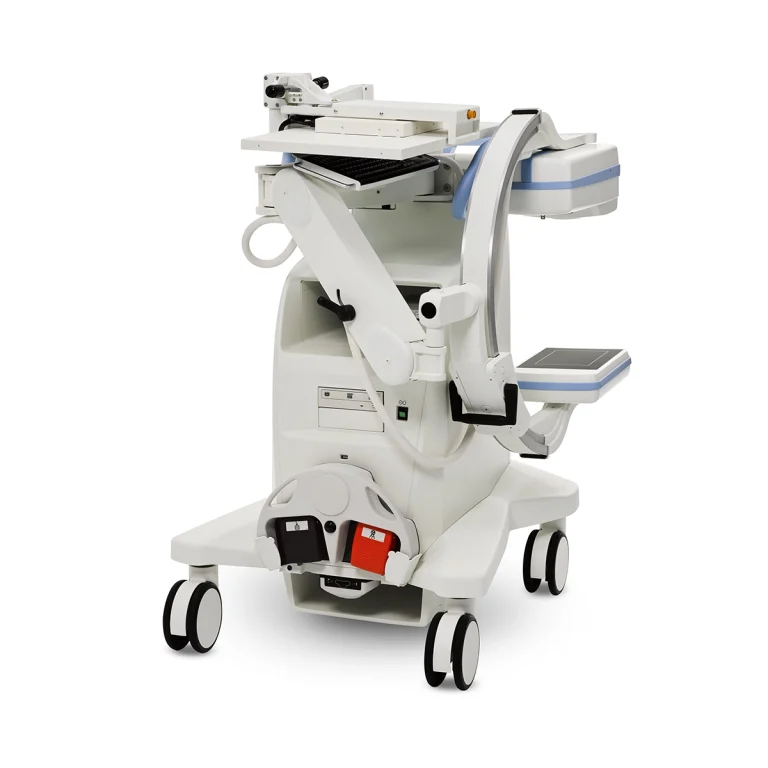
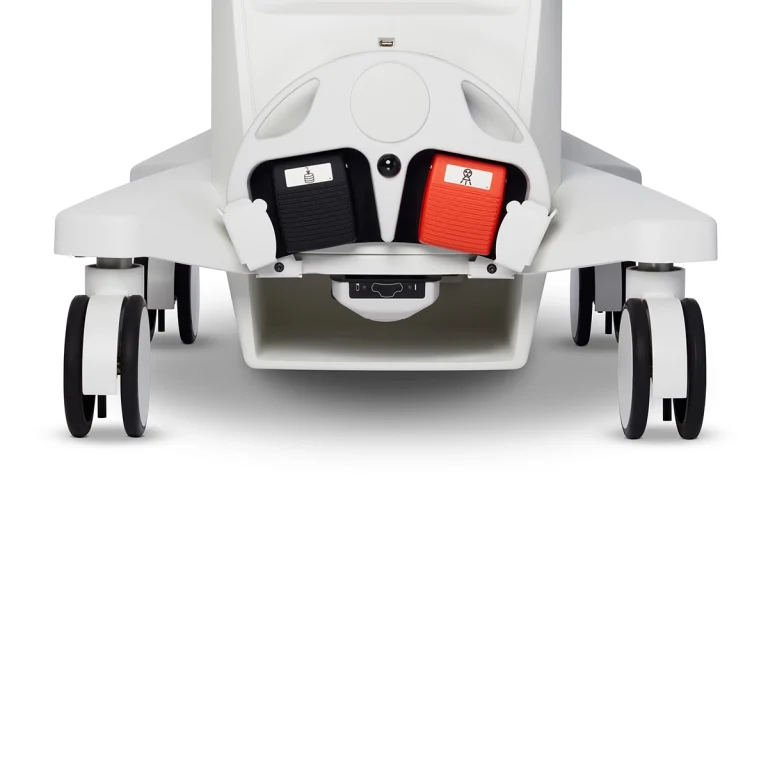
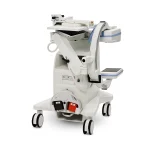
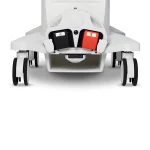
The Hologic InSight FD Flex is a high-resolution extremity mini C-arm built around a CsI High Sensitivity CMOS detector delivering 2k x 1.5k resolution – the highest pixel count of any mini C-arm in its class. The CsI (cesium iodide) scintillator layer converts X-rays with exceptional efficiency, and the CMOS flat-panel readout produces consistent image quality across the full 5.7 x 4.5-inch field of view without the barrel distortion that image intensifier optics introduce at the field edges. Advanced imaging algorithms further minimize distortion, so anatomy at the margins of the imaging field renders as clearly as anatomy at the center. The 180-degree rotating detector extends the system’s positioning range for cases where the patient cannot be easily repositioned, and MegaView technology magnifies images up to 50% larger without increasing radiation dose, giving the surgical team more visual detail from a standard-field acquisition. A 24-inch HD touchscreen with finger-touch zoom and rotation keeps workflow controls at the clinician’s fingertips, and motion and metal detection automatically adjust imaging parameters during procedures without requiring manual intervention. Sterile field controls allow adjustments without breaking aseptic technique. Minicarm.com is the primary source for new Hologic InSight FD Flex inventory, extended service coverage, and nationwide in-service support.
Minicarm.com offers new Hologic InSight FD Flex units with a 12-month warranty, extended service contracts, and nationwide in-service support from factory-trained technicians.
Available for sale, lease, or rent nationwide.
1 (800) 643-2998
Hosted by: Christopher Bacon, Co-Founder of Orthoscan and President of Minicarm.com
Hi, I’m Christopher Bacon, president of Minicarm.com. We are the exclusive national distributor for the Hologic Fluoroscan InSight FD Flex. Today we’re going to show you how to use it.
To power on, press the green button next to the DVD player. You will also find a USB port on the unit.
Here is the vertical range of motion, the orbital rotation, the wig-wag, the flat detector rotation, and the inversion range of the C-arm.
To begin imaging, press the Perform button. On the patient information screen, enter the required fields: first name, last name, and patient ID. Once those fields are filled, the Perform button activates and grants access to the imaging screen.
Once you are in the imaging screen, activate the X-ray for at least two seconds to give the imaging software time to optimize and capture the best possible image. Allow a two-second pause between X-ray acquisitions to let the application fully reset.
Now for the tube head controls. Here is your save button. Here is rotate – clockwise and counterclockwise. You can adjust brightness and contrast. Here is the laser.
For X-ray, hold it down for at least two seconds, then release, then wait another two seconds before reinitiating. You can also manually adjust your imaging technique, your pulse mode (single shot or fluoroscopy), and your noise suppression.
On the main imaging screen: here is the continuous, snapshot, and Cine record button. Noise suppression is shown here. Tag is a reference function that holds an image in place for comparison. Auto technique is active by default – you can switch to manual and back to auto. Here is standard resolution. Here is high resolution – pressing again returns to standard. You can reset the five-minute timer with this button.
For image tools: you can zoom, flip, rotate left, and rotate right – the rotate function also works directly on the image itself. Reset all returns all image tools to default. Here are your different screen layout options.
You can update patient information directly on screen and cancel without saving. Double-tap the image to go full screen, where you can also rotate the image. Double-tap again to return to the standard view.
When you finish a case, press Review. Select which images you want to save or delete – you can also select all. To export, choose USB drive as the destination and select your format: DICOM, TIFF, or JPEG. When finished, press Cancel to exit the review screen, then End Session. If no images have been saved, a confirmation popup will appear before returning to the start screen.
When you are done using the machine, always shut down using the shutdown button and allow Windows to complete its shutdown sequence.
That covers the Hologic Fluoroscan InSight FD Flex Mini C-Arm. If you need sales, service, or support, call us at (800) 643-2998 or email info@minicarm.com. Thank you for watching.
The Hologic InSight FD Flex is a purpose-built mini C-arm for extremity imaging in busy clinical environments. Common applications include:
| Spec | Hologic InSight FD Flex | Hologic InSight 2 | Hologic Fluoroscan Premier Encore |
|---|---|---|---|
| Detector type | CsI High Sensitivity CMOS flat panel | 6/4-inch image intensifier | 6/4-inch CsI image intensifier |
| Resolution | 2k x 1.5k | Standard digital | Standard digital |
| Display | 24-inch HD touchscreen | Standard display | Dual 15-inch SVGA Portrait Mode |
| Fluoroscopy modes | Snapshot, Continuous, Cine | Fluoroscopy, digital rad, pulse | Fluoroscopy, high-speed mode |
| Detector rotation | 180° | Standard | 360° iso-centered C-arm |
| Image magnification | MegaView (up to 50% larger, no dose increase) | Standard | Standard |
| Motion / metal detection | Yes (auto-adjusts mid-procedure) | Metal-Trac | No |
| Sterile field controls | Yes | No | No |
| DICOM | Yes (DICOM, USB, CD/DVD) | Yes | Yes |
| Unit status | New (remaining inventory) | Refurbished | Refurbished |
| Best for | Highest-res flat-detector extremity imaging with touchscreen workflow | Value-tier extremity with Metal-Trac | Premium extremity with 360° iso-centered rotation |
Looking at other Hologic options? See the Hologic InSight 2 or the Hologic Fluoroscan Premier Encore.
| Spec | Hologic InSight FD Flex | GE OEC Elite Miniview | Orthoscan FD Pulse |
|---|---|---|---|
| Detector type | CsI High Sensitivity CMOS flat panel | CMOS flat panel | Flat-panel detector |
| Resolution | 2k x 1.5k | 1.3k x 1.3k | Standard digital |
| Display | 24-inch HD touchscreen | Dual 19-inch monitors | Standard display |
| Image magnification | MegaView (up to 50% larger, no dose increase) | Standard | Standard |
| Dose management | Automatic dose optimization | Low-dose mode | Pulse mode |
| Motion / metal detection | Yes (auto-adjusts) | No | No |
| DICOM | Yes (DICOM, USB, CD/DVD) | Wireless DICOM | Yes |
| Sterile field controls | Yes | No | No |
| Best for | Highest-res flat-detector extremity imaging with touchscreen workflow | High-res multi-specialty with wireless DICOM | Flat-panel extremity with pulse mode |
Looking at non-Hologic alternatives? See the GE OEC Elite Miniview or the Orthoscan FD Pulse.
| Feature | Specification |
|---|---|
| Detector type | CsI High Sensitivity CMOS |
| Detector Size | 5.7 in. x 4.5 in. (14.5 cm x 11.4 cm) |
| Resolution | 2k x 1.5k |
| Rotation Range | ±90° (180° total) |
| Fluoroscopy Modes | Snapshot, Continuous, and Cine |
| Image Magnification | MegaView (up to 50% larger, no dose increase) |
| Automatic Dose Optimization | Yes |
| Motion and Metal Detection | Yes (auto-adjusts mid-procedure) |
| Sterile Field Controls | Yes |
| Monitor | 24-inch HD Touchscreen |
| Arm Depth | 20 inches |
| Vertical Travel | 23 inches |
| Storage and Export | DICOM, USB, CD/DVD |
| Power Requirements | 100, 120, 220, 240 VAC selectable |
Need a full datasheet? Download the Hologic InSight FD Flex spec sheet or request product documentation from Minicarm.com.
Estimate monthly revenue and break-even timeline using our Clinical Reimbursement Calculator
Review our Mini C-Arm Buyer’s Guide
Learn more about financing options.